Free: play and record
Load WAV packs, play the 16-pad grid, capture takes, save recordings, and export finished loops.
 Multi-Sample Player
Google Play closed alpha in review
Help test the free Android multi-sample instrument before public launch. Manage sample packs from your pocket, make loops on the go, and feed your sampler original sounds.
A pocket sampler, not a bloated DAW
Multi-Sample Player loads unzipped WAV instrument folders from phone storage or microSD, maps them to a 16-pad scale grid, records your playing as reusable note data, and exports loops as WAV files. The same performance can become a dusty key loop, a bass line, a bell phrase, or a drum pattern just by changing the loaded instrument.
Watch it move
Watch Multi-Sample Player as a phone-based instrument: load sounds, play the 16-pad grid, build ideas, and see why the closed test matters before the public launch.
Primary launch step
The fastest way to help right now is not the direct APK. Version 1.0.7 is in Google Play closed-alpha review, and tester signup is open so the app can move through the launch path cleanly. Sign up, receive the official test link when it is ready, install through Play, and try the 16-pad instrument, recorder, sequencer, chord tools, and export flow.
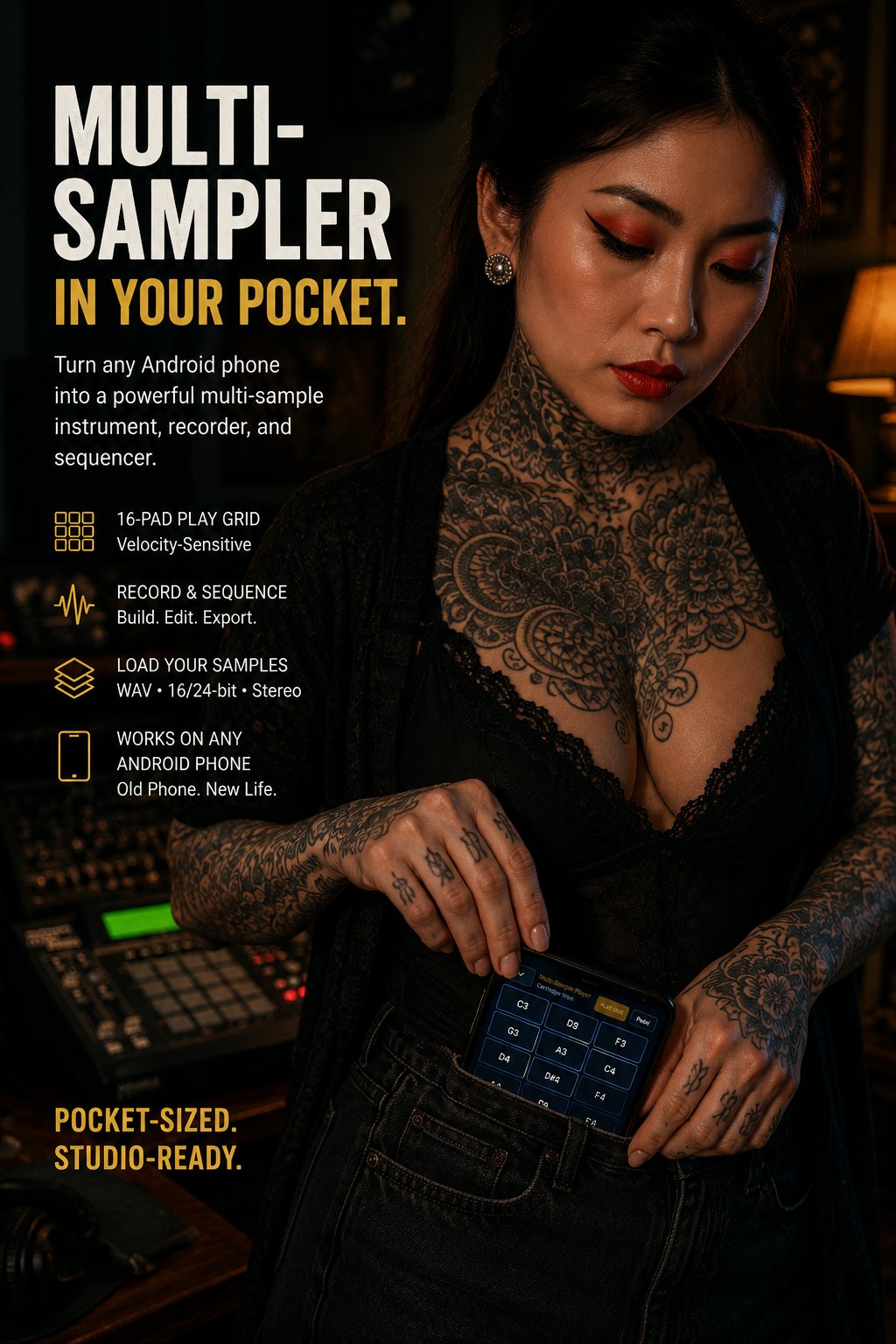
Pocket-sized. Studio-ready.
Use an old Android phone as a dedicated sound source: load WAV packs, play the 16-pad grid, record musical ideas, edit them with Deluxe, and carry the whole library without opening a laptop.
Phone as instrument
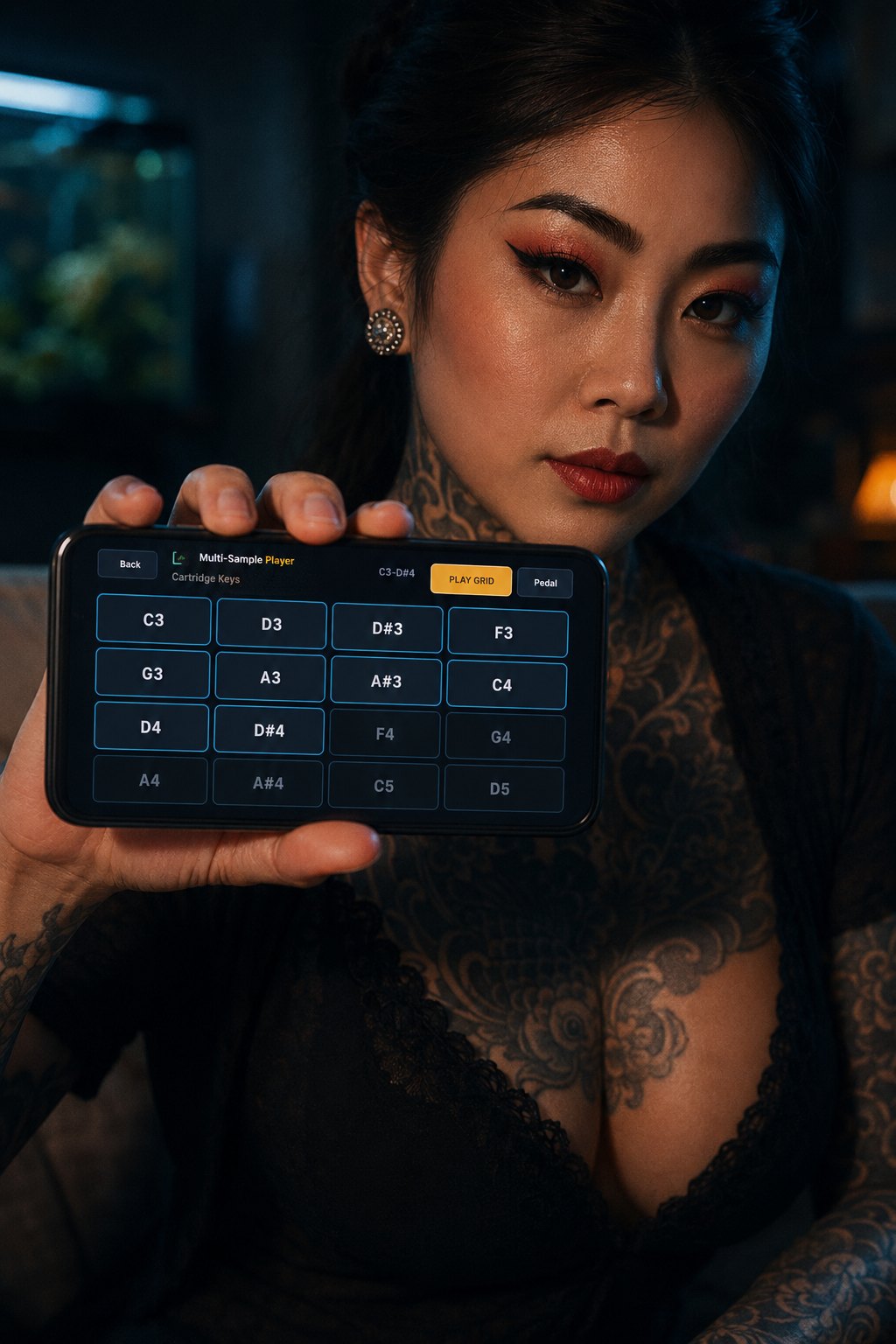
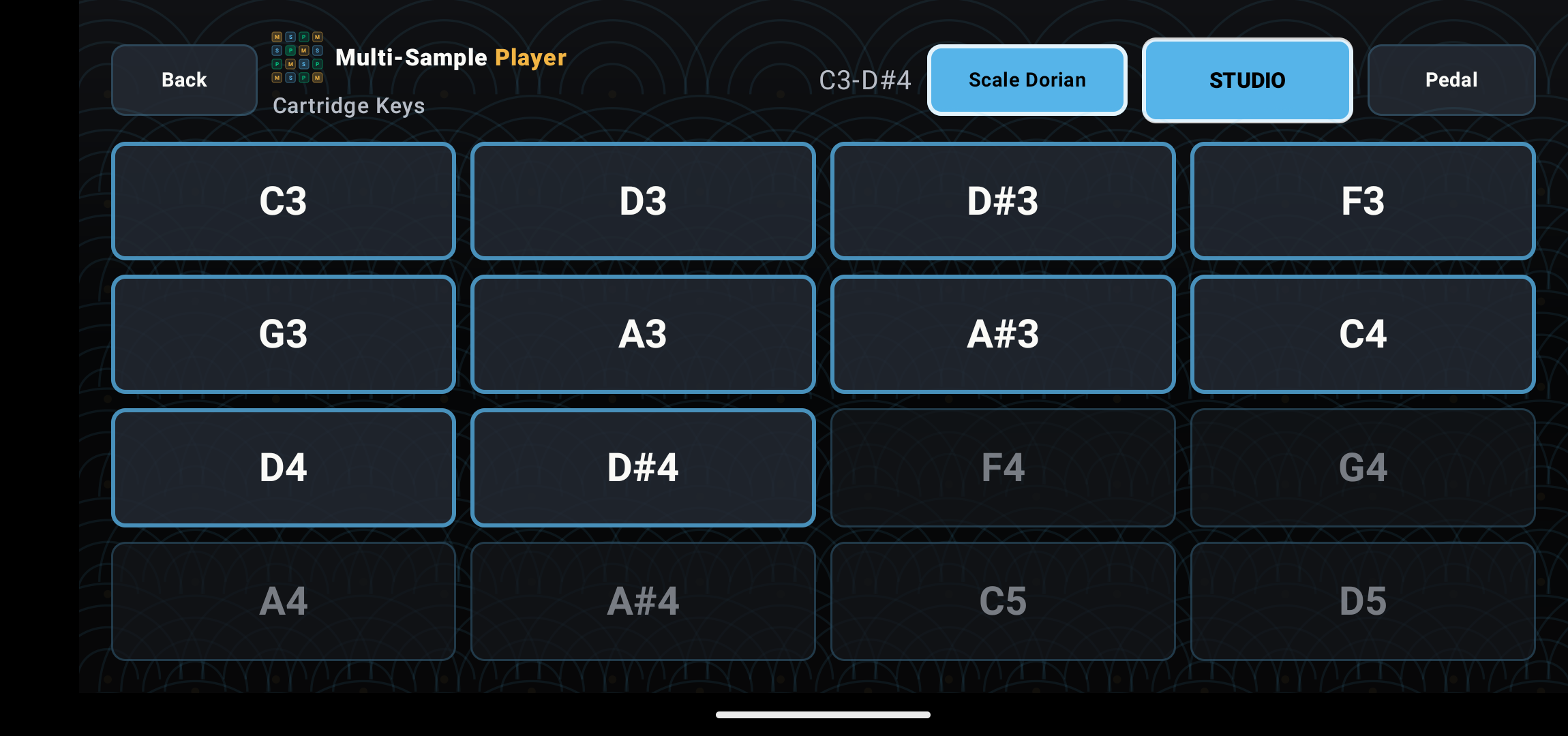
Load a folder, pick a scale, and the phone becomes a fast 16-pad musical surface. It is made for couch ideas, subway melodies, studio sampling sessions, and direct playing into classic samplers when inspiration shows up before the whole rig is powered on.
Feature screenshots
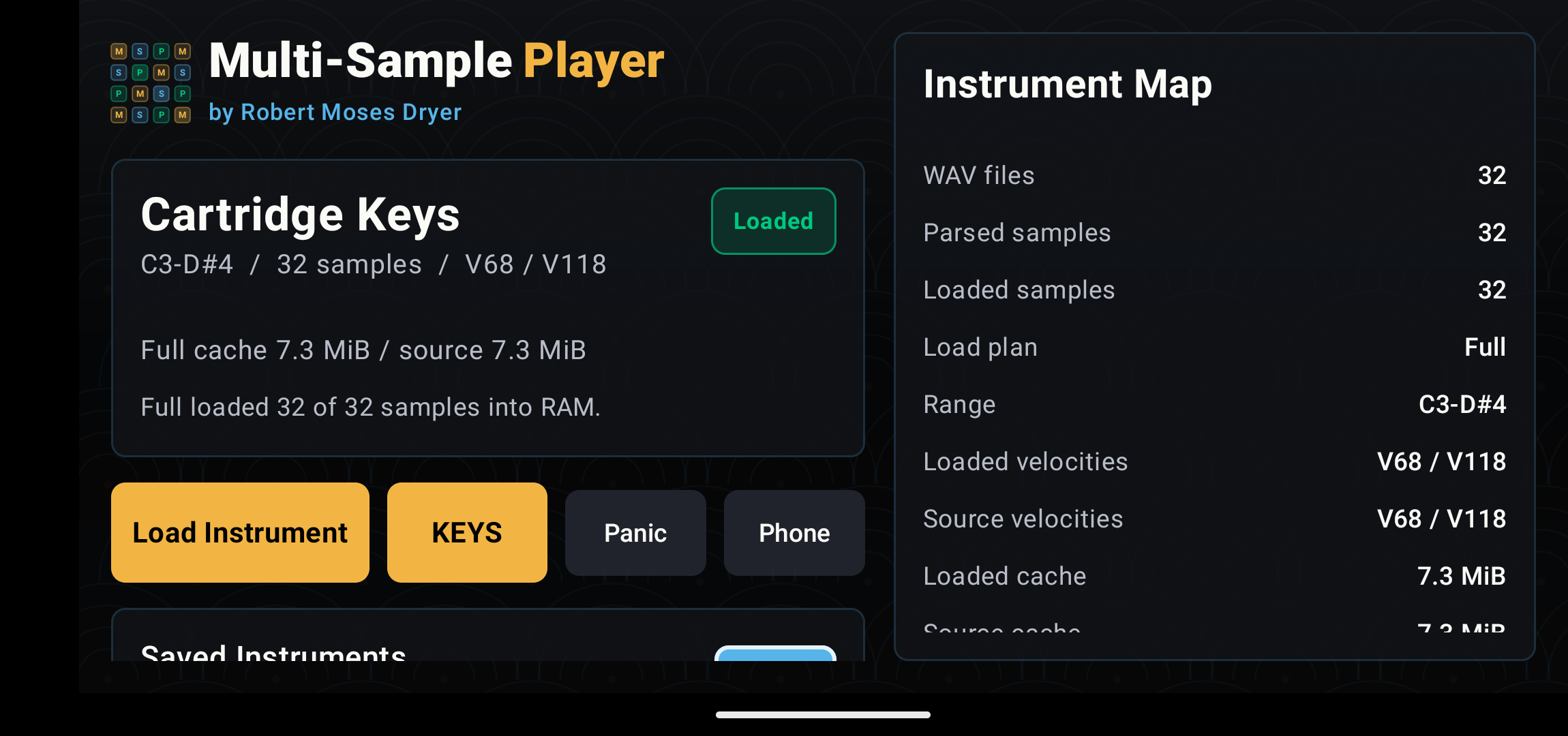
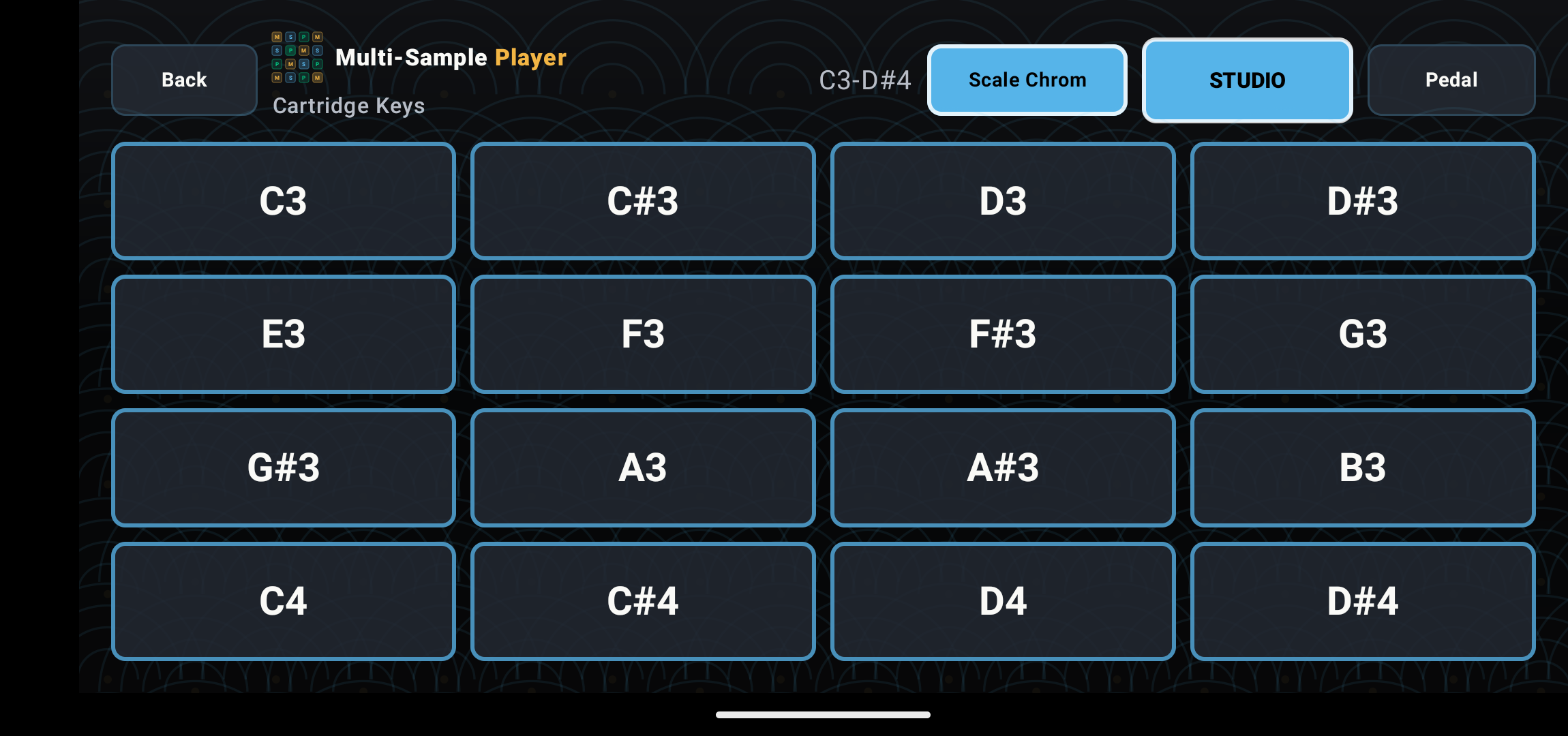
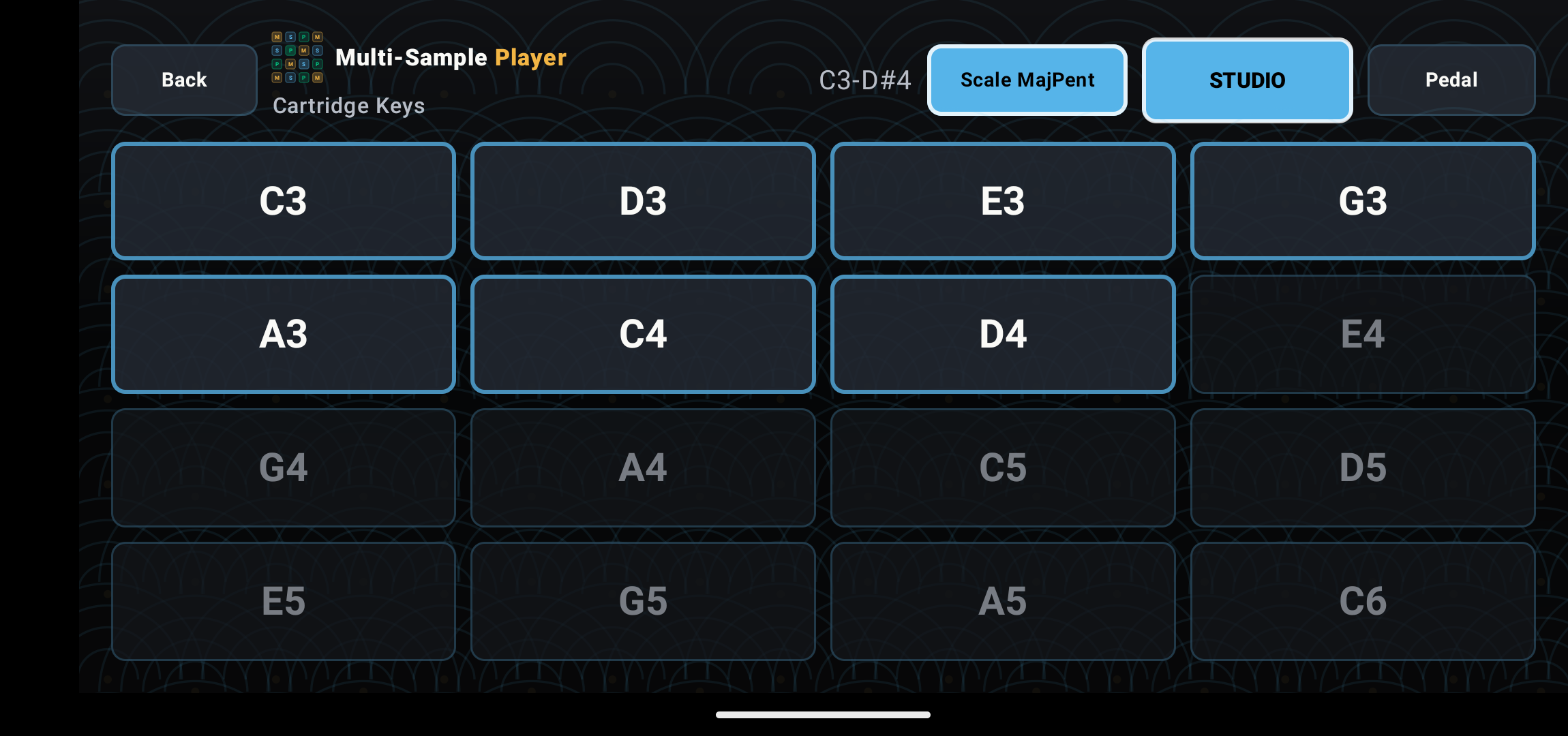
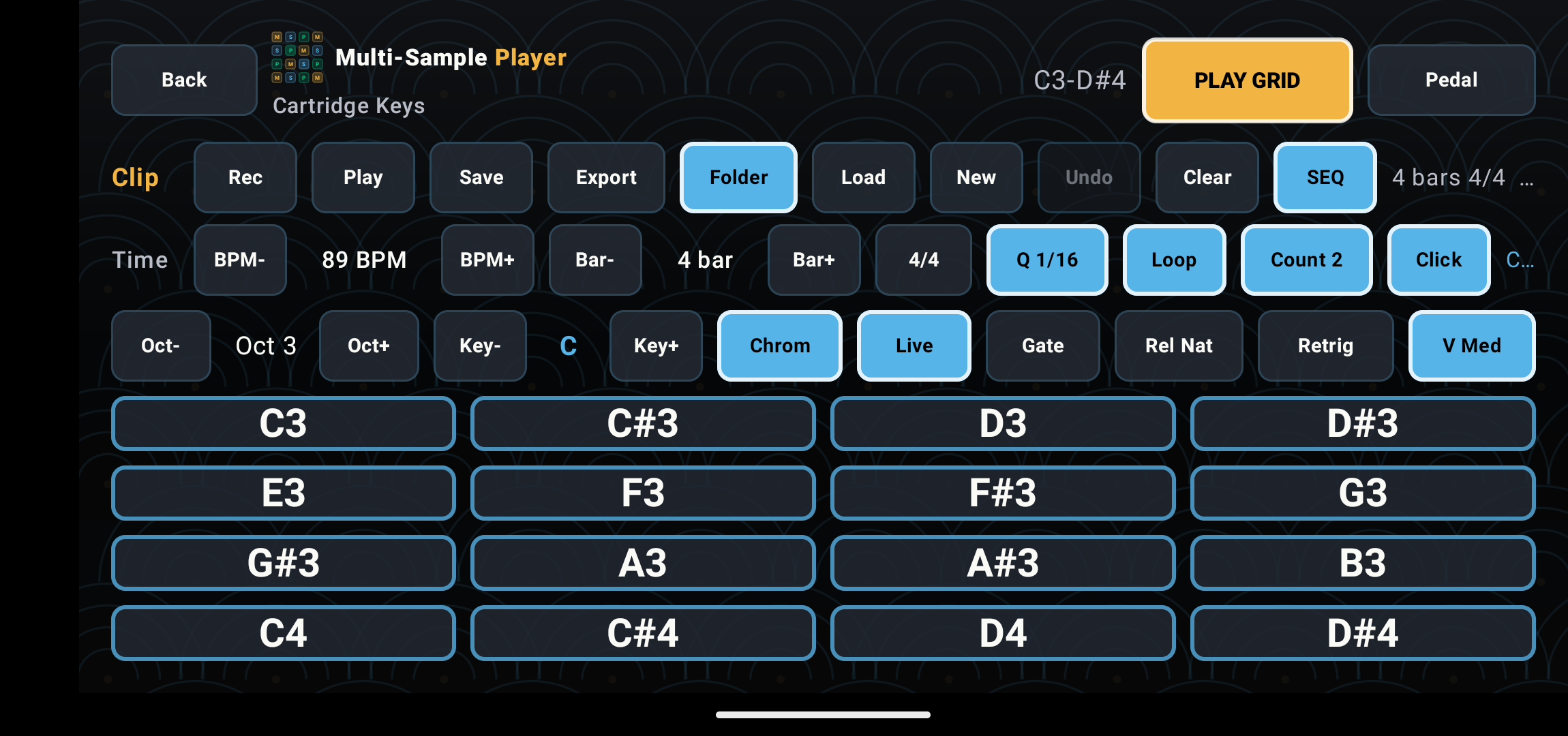
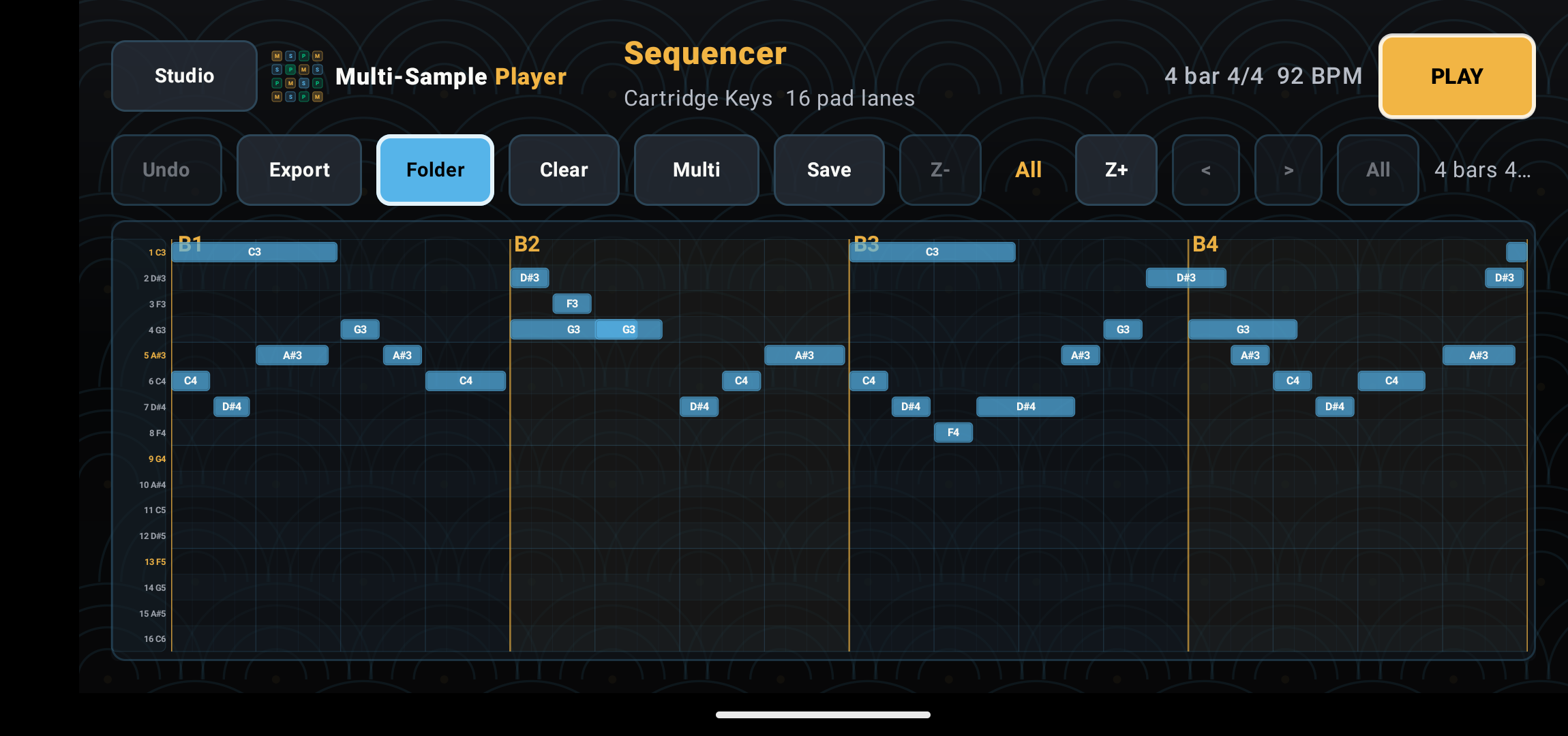
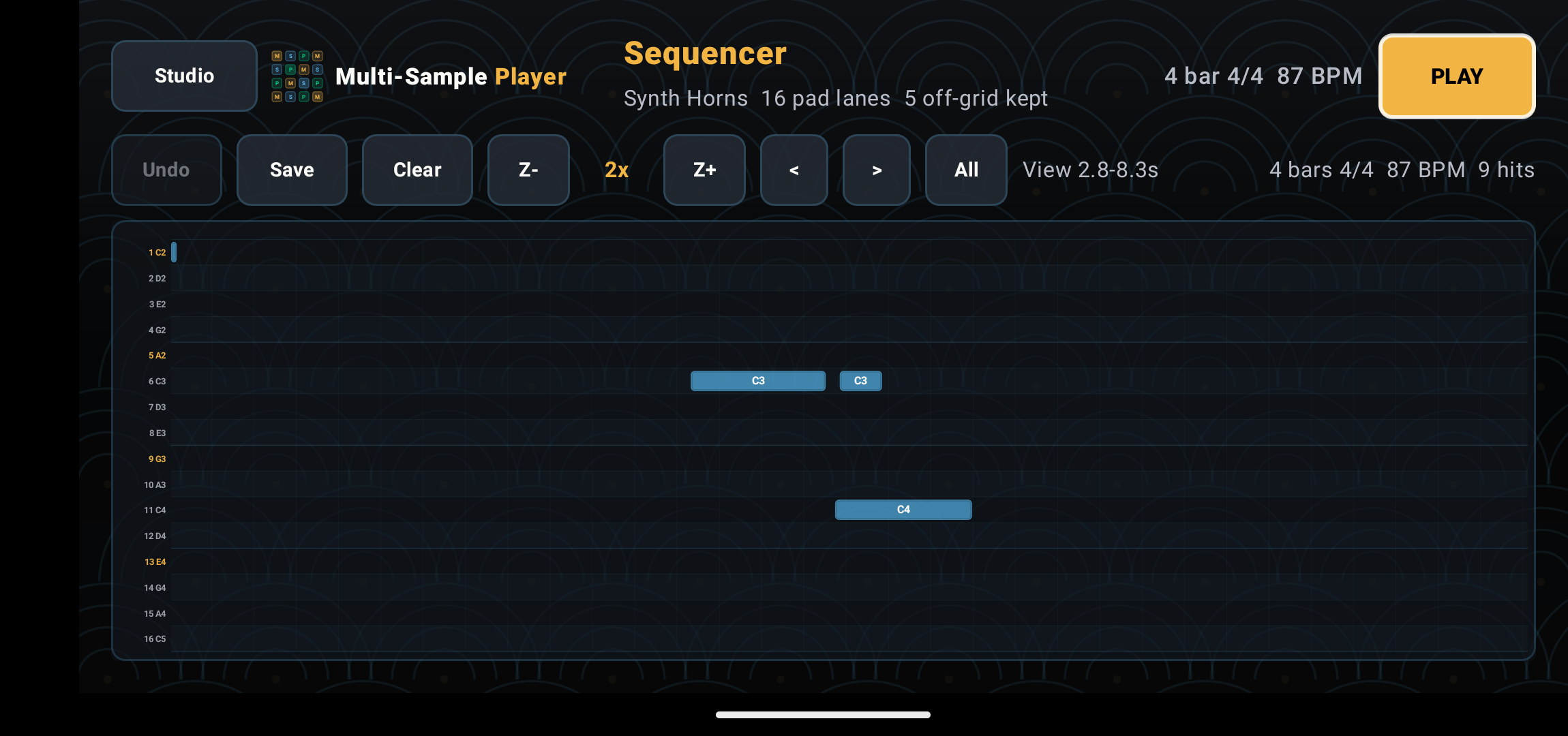
Load a multi-sample folder, confirm the instrument map, play it as a 16-pad scale grid, record a loop, then use the Deluxe Sequencer to reshape the performance and export new audio versions.
Play your packs
The Play Grid turns WAV folders into a touch instrument. Choose key, octave, and scale, then play melodies, basses, one-shots, or implied chords with your fingers.
Record and arrange
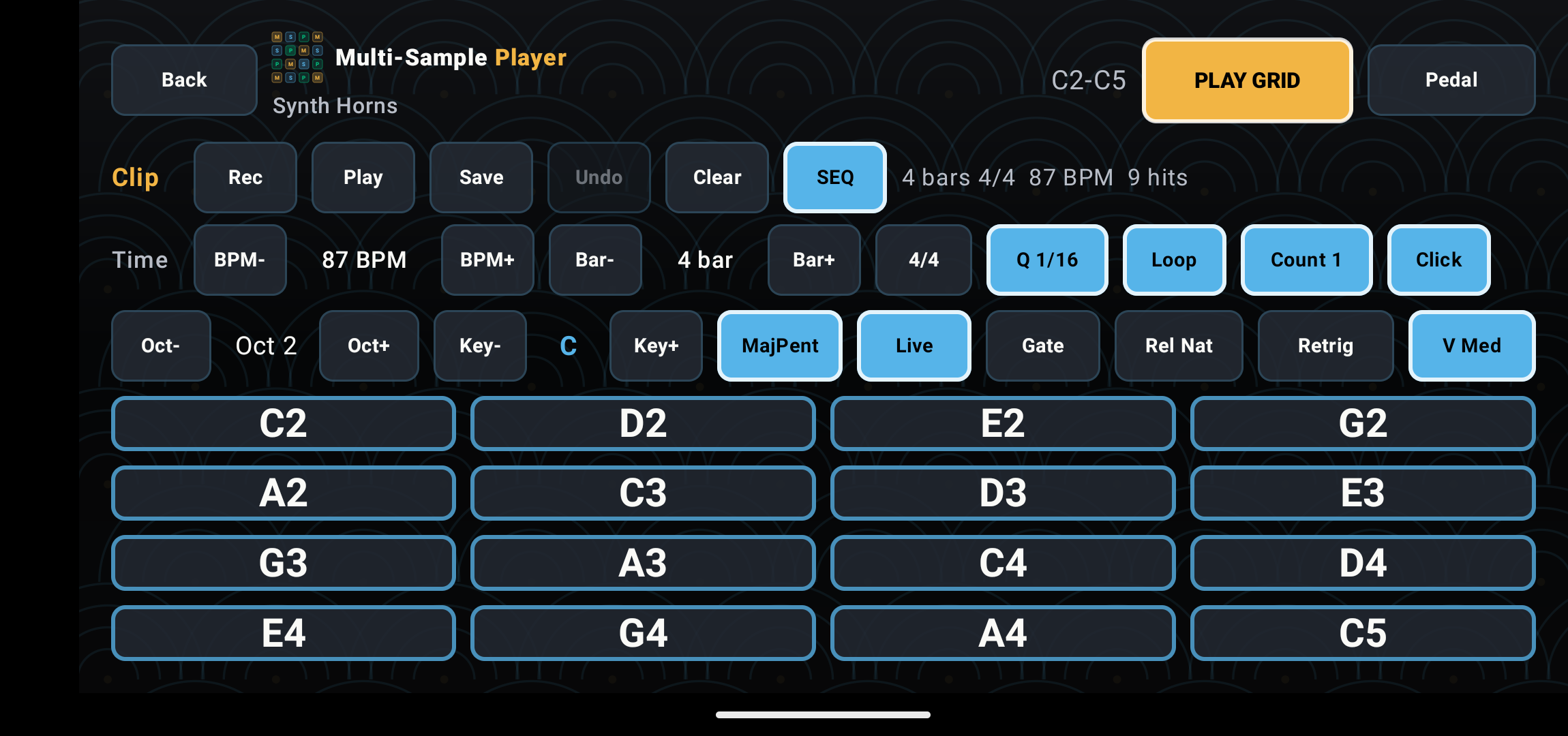
Studio mode gives you tempo, bars, count-in, click, loop playback, saved takes, and WAV export. It is built for short musical sparks: the bass line on the train, the bell phrase on the couch, the drum idea before the workstation is even on.
Feed the hardware
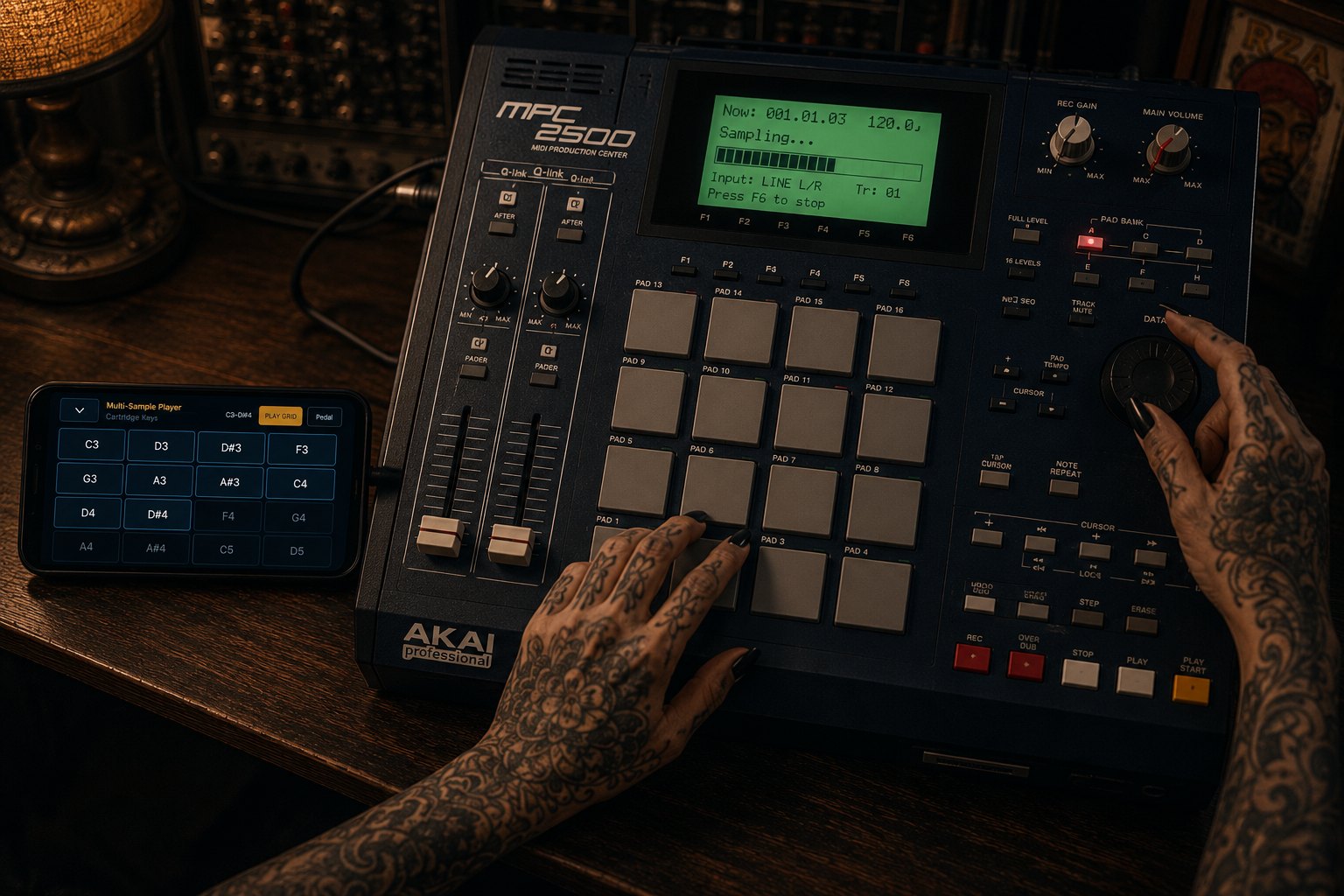
Export WAV loops from the app, route the phone into a sampler, or play the grid live while recording into an MPC, DAW, looper, or mixer. The phone becomes a compact source of original phrases, one-shots, and versioned ideas.
Deluxe Sequencer
The Sequencer turns a take into a simple 16-lane touch canvas. Move notes, stretch them, delete accidents, generate chord ideas, duplicate moments, and group-edit phrases. It is intentionally focused: enough control to turn a recorded idea into a usable loop without burying the player in a desktop editor.
Free base, paid power
The free app is a playable multi-sample instrument and recorder. The Deluxe upgrade is where the recorded loop becomes material you can edit, reshape, version, and export.
Load WAV packs, play the 16-pad grid, capture takes, save recordings, and export finished loops.
Unlock the 16-lane sequencer for touch editing, zoom, note moves, length edits, multi-select, chord generation, and saved arrangements.
Swap instruments under the same performance, render multiple WAV loops, and build original sounds for samplers or DAWs.
Bring your own sound library
Multi-Sample Player is designed around simple, portable instrument folders. A sample pack can be made by a human, an AI audio tool, a synth, a sampler, or a DAW. The important part is the folder structure and filenames.
Official packs now live: MSP Collections 001, 002, and 003 cover 808 foundations, bass, and string instruments for pocket grooves, Deluxe sequencing, and hardware sampling.
My Instrument/
  My_Instrument_C3_V96.wav
  My_Instrument_DS3_V96.wav
  My_Instrument_G3_V96.wav
My_Instrument_C4_V96.wavAsk an AI audio tool to render a flat folder of PCM WAV files at 44.1 kHz, with note names and velocities in every filename.
Create an unzipped Multi-Sample Player instrument folder for Android.
Render PCM WAV files at 44.1 kHz, 16-bit or 24-bit, mono or stereo.
Put all WAV files directly inside one flat folder.
Every filename must include instrument name, note name with octave, and velocity.
Example: My_Instrument_C3_V96.wav.
Use 16 to 32 root notes for melodic instruments, or exactly 16 notes from C3 to DS4 for drum kits.
Trim leading silence, add tiny fade-outs, avoid clipping, and keep peaks below -1 dBFS.
Manual and framework
Release 1.0 includes a screenshot manual and a deeper authoring framework for building your own multi-sample instruments, drum kits, sound packs, and AI-generated folders.